You can log into School-Day either by going to the School-Day site page directly or via the login widget that is provided on your school’s website. To log into School-Day from your school website:
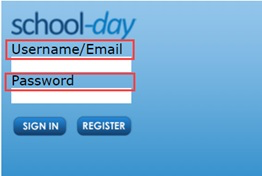
1) Navigate to your school's website and enter your School-Day account Email address and Password.
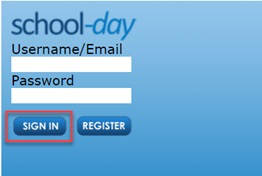
2) Click on the Sign In button to log into School-Day and be taken to your dashboard.
Was this article helpful?
That’s Great!
Thank you for your feedback
Sorry! We couldn't be helpful
Thank you for your feedback
Feedback sent
We appreciate your effort and will try to fix the article